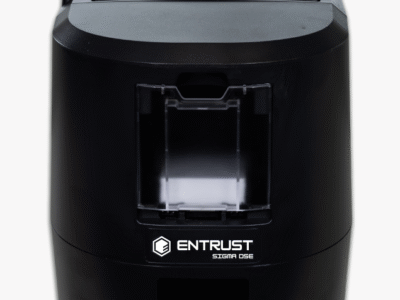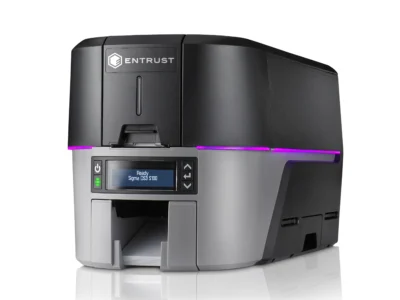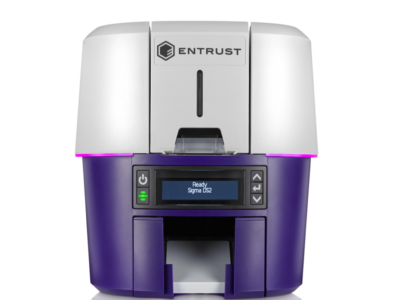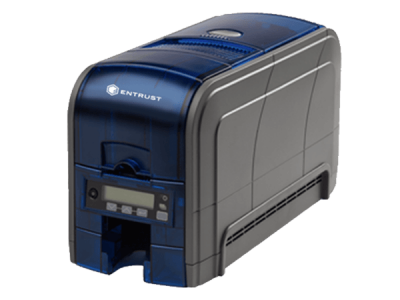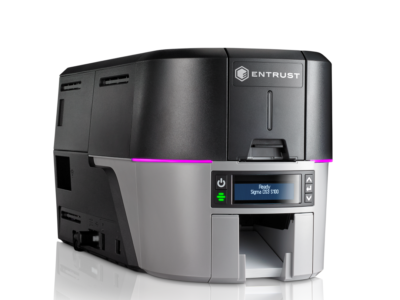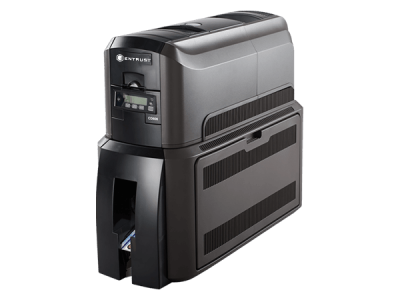




Entrust Datacard ID Card Printers in India Entrust Datacard Printers in India
em2 printer ribbon /cartridge

EM2 Ribbon / Cartridge
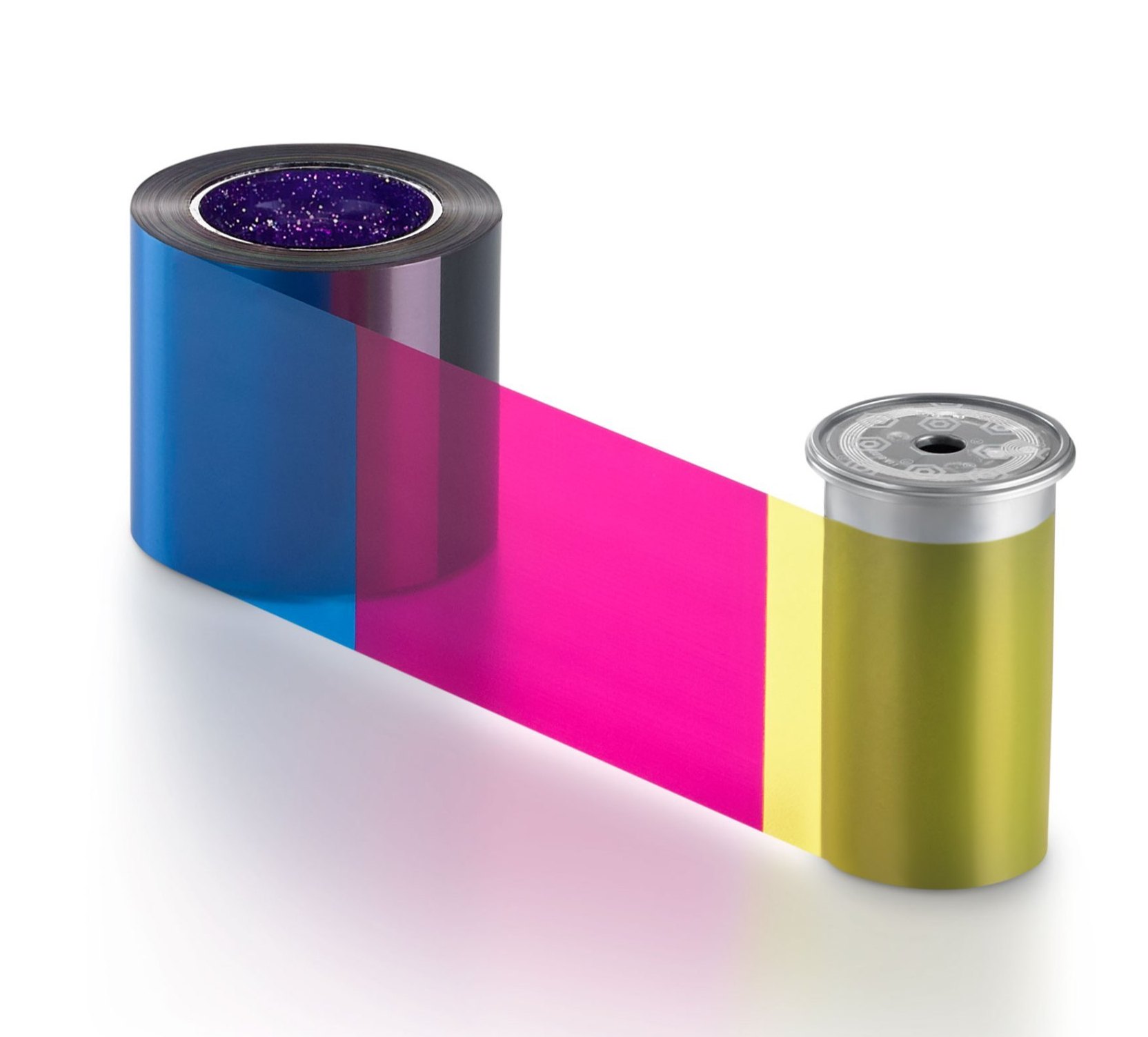
em2 printer ribbon /cartridge

EM2 Card Printer Ribbons Starts from INR 2900.

The EM2 ribbon cartridge holds a roll of ribbon that you can replace when it runs out. The cartridge also holds a cleaning roller that is replaced with each ribbon change.

  • YMCKT 250/500 images
  • ymcKT 650 images
  • YMCKT-KT: 350 images
  • ymcKT-KT: 435 images

Monochrome ribbons***

  • Black 1,500 images
  • White 1,500 images
  • Additional monochrome options available
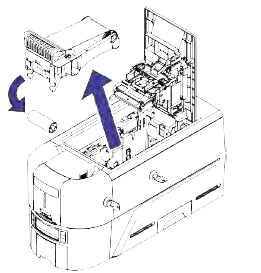
How Load the EM2  Ribbon Cartridge

  • Open the printer cover and remove the print ribbon cartridge.
  • Remove the used ribbon spools and cleaning roller from the ribbon cartridge. Discard the used supplies.
  • Load the print ribbon.
  • Load the cleaning roller on the ribbon cartridge.
  • Remove the protective wrapper from the cleaning roller.
  • Install the print ribbon cartridge in the printer
  • Close the printer cover. Press down on the ridges on the
    front of the cover to make sure that it latches completely.

Install the EM2 Prefilled Print Ribbon Cassette

  • Open the printer cover and remove the used print ribbon cassette.
  • Open the cassette package and remove the print ribbon cassette.
  • Extend the cassette to its fully open position.
  • Remove the protective wrapper from the cleaning roller.
  • Install the cassette in the printer
  • Close the printer cover. Press down on the ridges on the front of the cover to make sure that is latches completely.


em2 ribbon crtridge